
It Began With Omarchy on the Old MacBook
I’m not a Linux guy
I’ll say it up front: I am not a Linux guy. But I’ve been getting more and more tired of Windows, and at some point I said so out loud at work.
My colleague had a one-word answer: Omarchy.
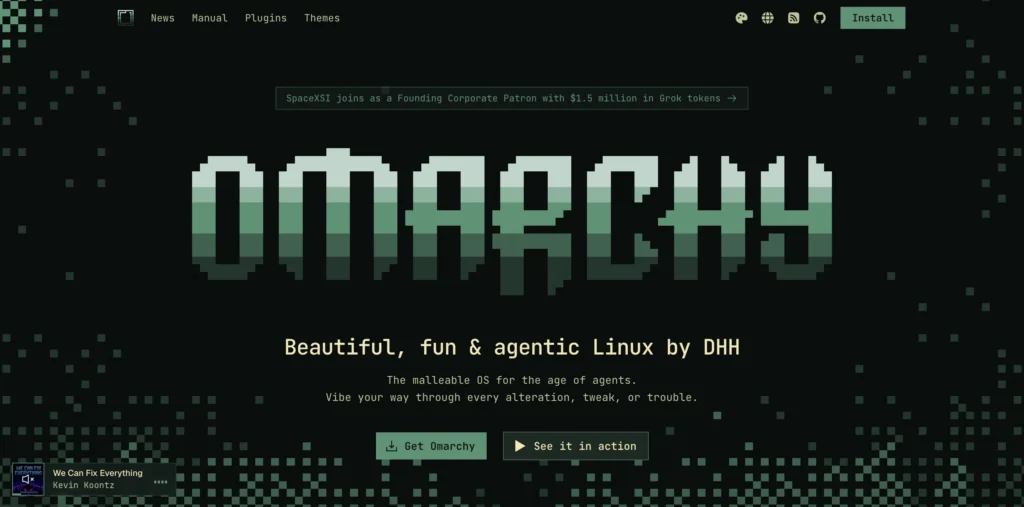
Omarchy is a ready-made Arch Linux setup built around the Hyprland window manager. Apparently the classic Arch experience is assembling your desktop yourself, piece by piece. Omarchy is the version where someone has already done that for you. I’d never touched anything like it, which made it a perfect candidate for a “what’s the worst that could happen” experiment.
The perfect victim
I’d rather not break the PC I actually use. My gaming PC is where WoW lives, and I was not going to experiment on it.
Then I remembered the old MacBook Pro in the closet: a 2015 13″ Retina with a dual-core i5, an Intel Iris 6100 and not much RAM. Nothing on it mattered, so I wiped it completely and put Omarchy on it. Worst case, I’d have a paperweight, and it was already one.
The install was easy. The soundtrack was better.
Installing Omarchy was painless. Arch apparently has a reputation for being a pain to set up, so this felt like a small miracle. Claude helped me the whole way, from which program to use to flash the drive to what to click next.
And while the install ground away, Claude made me a Tidal playlist (through an MCP server I built myself) called Flashing the Old Mac (Synthwave). It estimated that the install would finish around the time we reached the Timecop1983 track.
It did. Exactly then. That’s how I started calling Claude CLAUDECOP, and the name stuck.
I can basically speak to my OS
The first thing Omarchy asks when you boot it is which AI you want to hook up. From then on, I virtually stopped doing things myself.
I just talk to it. It installs programs for me, or if it can’t, it gives me the commands. When Claude kept asking permission to change my system every time I started it, I told it to stop doing that, and it fixed its own nagging. It even set up my programs to open on startup.
I can basically speak to my OS, and it does things or fixes things. For someone who is not a Linux guy, that’s the difference between “I’ll give up in an hour” and “I’ll keep poking at this.”
And the old MacBook? Surprisingly snappy. I tried Voxel Tycoon, and it ran, but with a little lag. Then again, the machine is from 2015, so I’m not complaining.
Cue the screensaver
Once a computer is yours, you start tweaking it. First up was the screensaver.
I’m a huge Matrix fan, so there was only ever one answer. Omarchy ships with a grab bag of random effects, but I wanted Matrix rain and nothing else. So that’s now the only option: green code falling for a minute, then a hand-drawn block-letter CLAUDECOP logo for a few seconds, then it loops. It even has its own entry in the Omarchy menu.
A wallpaper by conversation
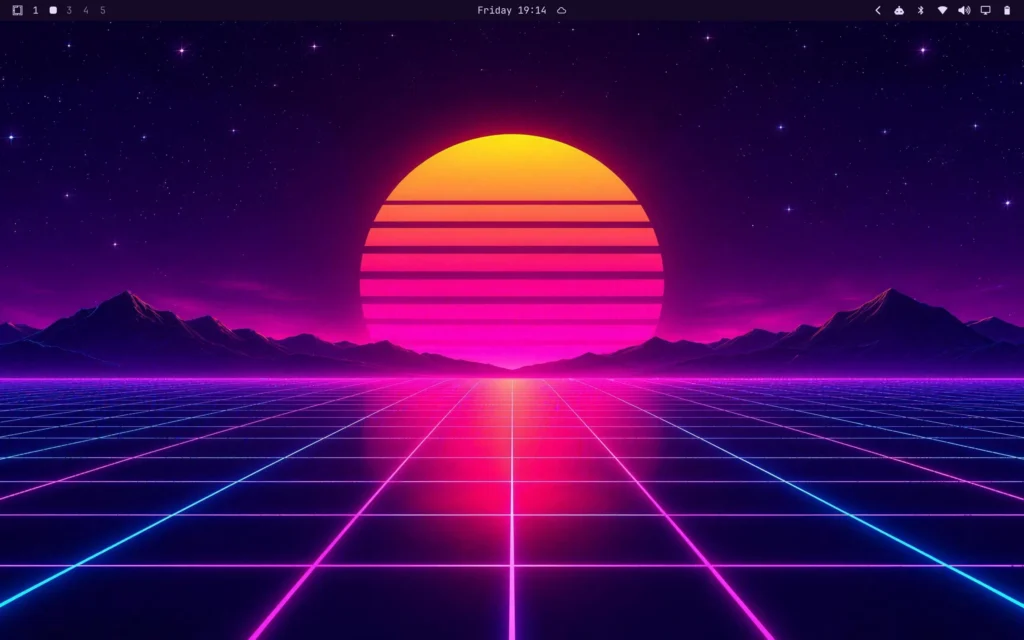
The wallpaper is my favourite part. I didn’t open an image editor or browse wallpaper sites. I talked to Claude about what I might want, and we settled on a classic Synthwave sunset, which it generated through Higgsfield and set as my background.
Then it asked if it should match the theme to the picture. Naturally I said yes, and the whole desktop changed: a custom Synthwave theme in hot pink, cyan and deep purple, pulled straight from the neon sunset. I didn’t have to touch a thing.
Then I got ambitious
After a few days I wondered what Omarchy would do on my main rig. That needed a fresh drive, because I wasn’t going to touch the Windows ones.
Luckily I had a 2 TB Samsung SSD in the closet, left over from my old PC. (The closet is apparently where my hardware waits for its second act.) All I had to buy was a SATA cable, which meant waiting until Monday. Claude came up with three nearby stores that might sell one and told me exactly what to say at the counter: “Just go in and say ‘SATA 3 data cable.'” It’s as if it knew I need help with even the basics of human interaction.
Windows stayed on its own drives, so it’s a dual boot: I pick which one to start from the boot menu.
Within an hour I was up and running, games and programs included: Discord, Steam, Tidal, Battle.net, WoW with its addons, even my Plex server. Since the PC has multiple screens, Claude also set up which monitor each program opens on, so everything lands where it belongs the moment I log in.
And WoW?
Honestly, I have no idea how WoW runs on Linux. I let the AI install things, and it runs through Battle.net. What I do know is how it feels. On my Windows machine I’ve had to wait a while these days to load into the game and to reload addons. On Omarchy it’s noticeably faster. I haven’t timed it, so call that gut feeling.
The frame rate I did see. Flying around the world on Windows, I’d get roughly 40-60 fps. On Omarchy it’s 90-100. Claude also told me that my HDMI cable and monitor cap out at 100 fps, something I didn’t know about my own setup and only learned because I talk to the machine.
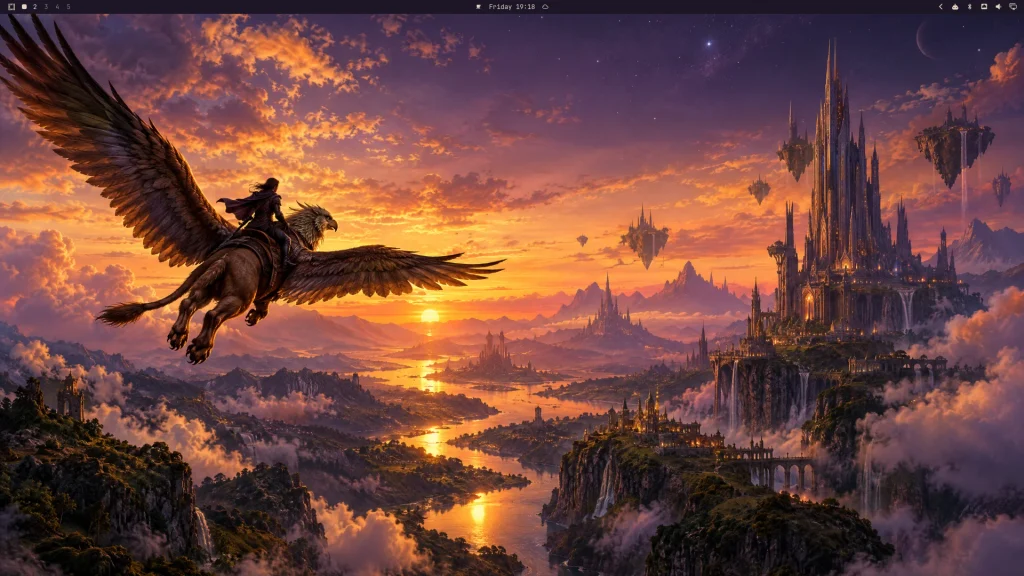
The PC got its own wallpaper, a gryphon rider at sunset, and its own theme, Azeroth Dusk: amber and dusky violet, pulled from the picture.
Rough edges
I expected a lot of fiddling in the terminal. It hasn’t happened, because the AI is sitting right next to me fixing things.
I’ve hit two stumbles so far. One was the shortcut for muting my Discord mic, which Claude fixed mid-raid while I kept playing. (I still topped the healing meters.) The other is my 12-button Razer mouse, where the 12th button doesn’t behave. Even the AI had trouble understanding what I meant. It’s somewhat working, and sorting it out properly is on my list.
Still a test
I’m still calling this a test period. For the past five days I haven’t missed Windows once, but I’m not a gambler who formats the main drive after a few good days. Some game out there will surely refuse to run, and I’ll deal with that when I meet it. I also have a PlayStation 5 and an Xbox as my safety net, so I’m worried in an appropriately relaxed way.
So the Windows drive stays put, for now.
I’m still not a Linux guy. But Windows is looking nervous.